
How to Migrate your WordPress Website Using a Plugin for Free
Migrating your WordPress website to a new host or domain can seem like a daunting task, but it doesn’t have to be. With the right tools, you can make the process seamless and hassle-free. One of the most popular and user-friendly plugins for migrating WordPress websites is WP All-in-One Migration. In this guide, we’ll show […]
How to Update your WordPress Plugins and Themes
Keeping your WordPress plugins and themes up to date is crucial for maintaining the security, functionality, and performance of your website. Regular updates ensure that you benefit from the latest features, bug fixes, and security patches. In this guide, we’ll walk you through the simple steps to update your WordPress plugins and themes directly from […]
How to Redirect a Domain to Another Website in cPanel
Redirecting a domain to another website is a useful technique for various reasons, such as when you’ve rebranded your business, changed your domain name, or want to consolidate multiple domains. If you’re using WebPower as your hosting provider, you can manage domain redirects easily through cPanel. This guide will walk you through the steps to […]
How To Clear Cache In cPanel In 1 Minute
Clearing your website’s cache is an essential task to ensure that your visitors see the most up-to-date version of your site. Whether you’ve made changes to your content, layout, or images, sometimes these updates won’t immediately appear due to cached versions of your website being stored in visitors’ browsers. Fortunately, if you’re hosting your website […]
How To Delete Your WordPress Website To Start Over
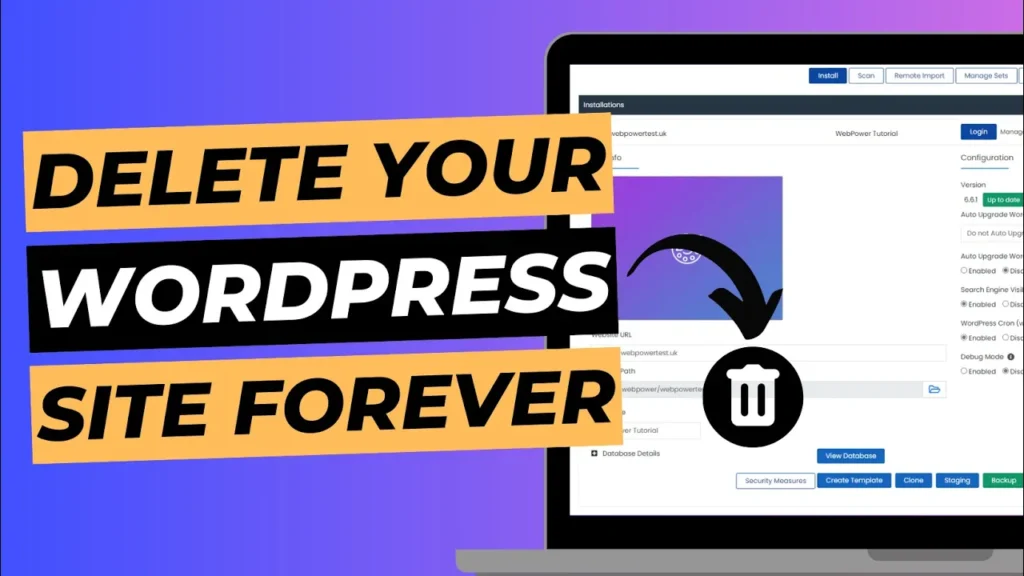
Sometimes, the easiest way to get a fresh start is by deleting your current WordPress website and starting over from scratch. Whether your site has become cluttered, you want to revamp it with a new design, or you just want a clean slate, uninstalling WordPress is a quick and straightforward process—especially if you’re using Softaculous […]
How to Change a WordPress Theme in Under 2 Mins
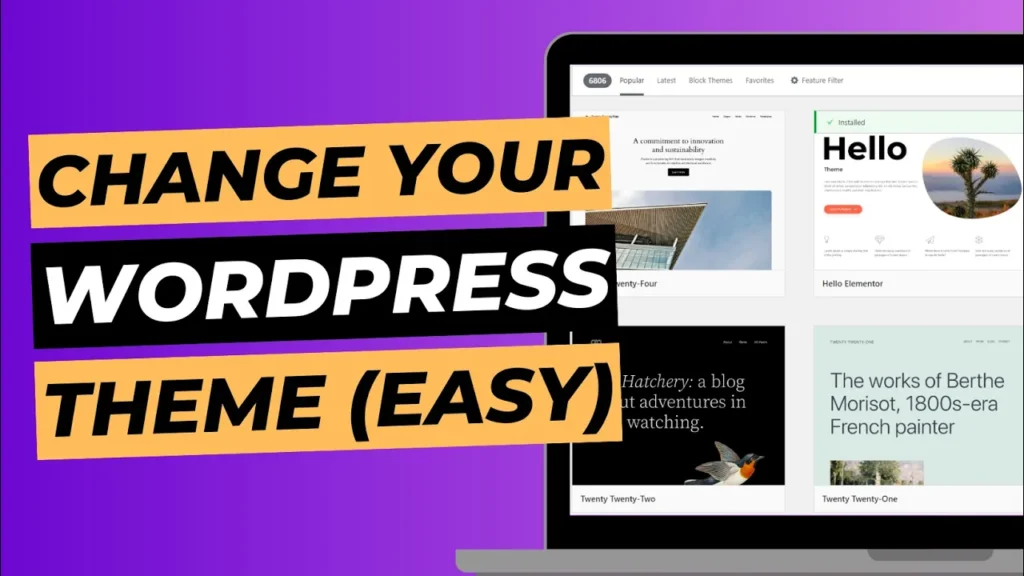
Changing the look and feel of your WordPress website is as simple as changing your theme. With WordPress, you have access to thousands of free and premium themes, allowing you to give your site a new design without any coding experience. Whether you want a fresh look or need a more functional layout, changing a […]
How to Change Nameservers to Point Domain to Your Website
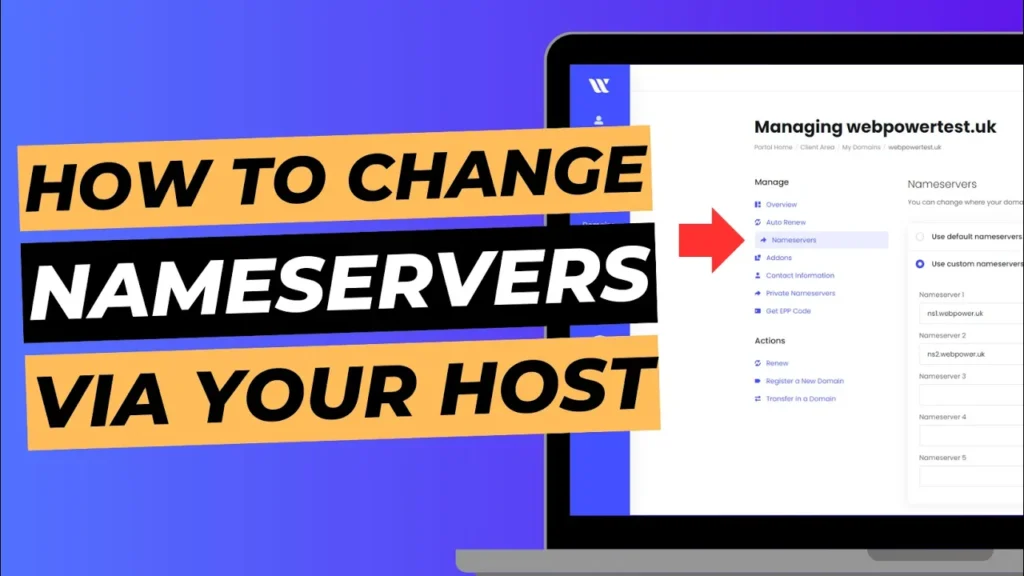
One of the most important steps in getting your website online is connecting your domain to your hosting service. This is done by changing the nameservers for your domain, which tells the domain where your website is hosted. Whether you’ve purchased your domain through WebPower or another provider, updating the nameservers is a straightforward process. […]
How To Create A Menu In WordPress In 2 Mins
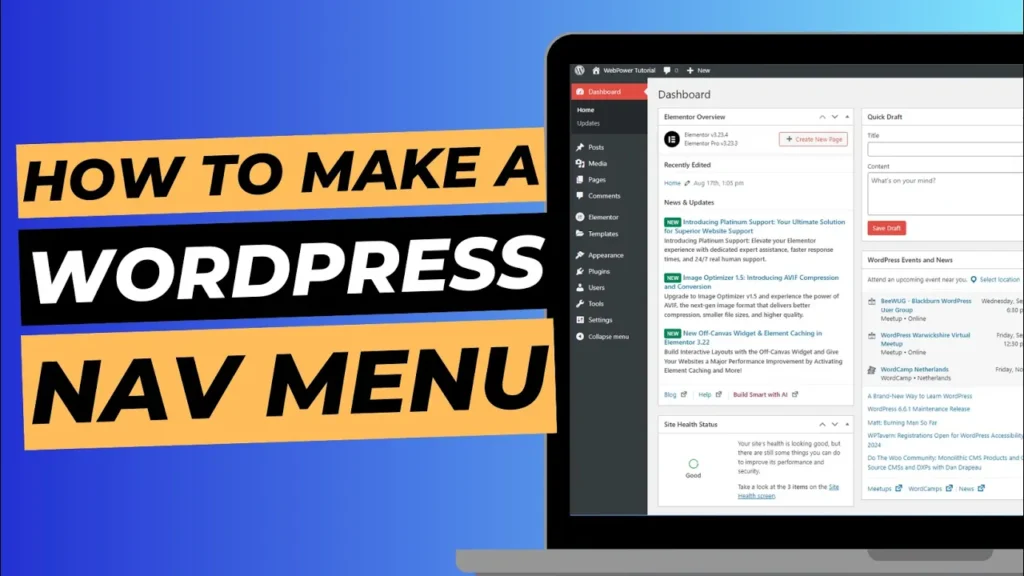
A well-structured menu is essential for your website’s user experience. It helps visitors navigate your site easily and find important pages. WordPress makes it simple to create and customise menus, allowing you to guide your users to the most relevant sections of your site. In this guide, we’ll show you how to create a menu […]
How To Find The Login Page To Your WordPress Website
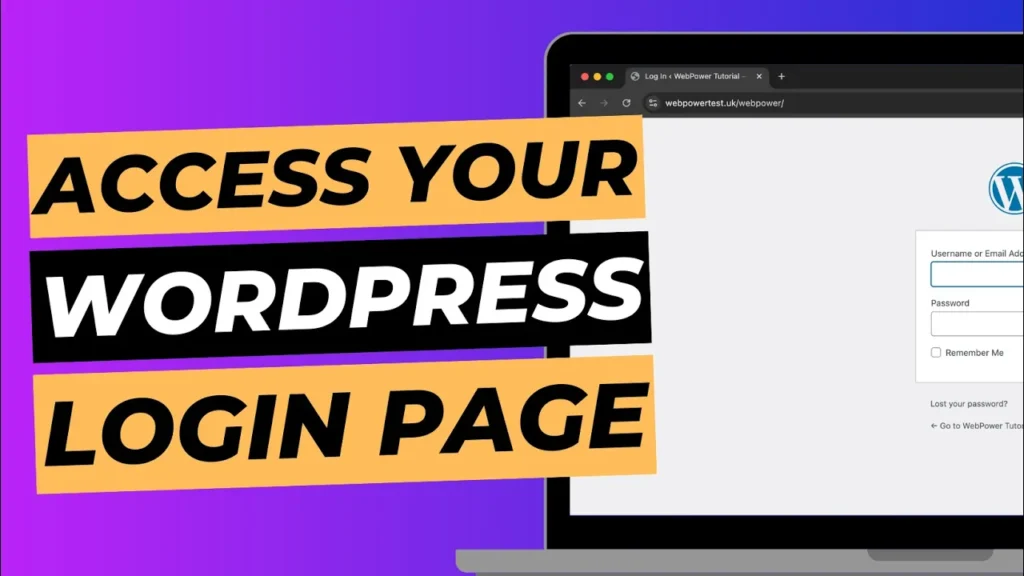
If you’re new to WordPress or managing your website for the first time, one of the most important things to know is how to access the login page. Without logging in, you can’t make updates, add new content, or manage your website. Luckily, there are two easy ways to find the login page for your […]
How To Set Your Homepage In Your WordPress Dashboard
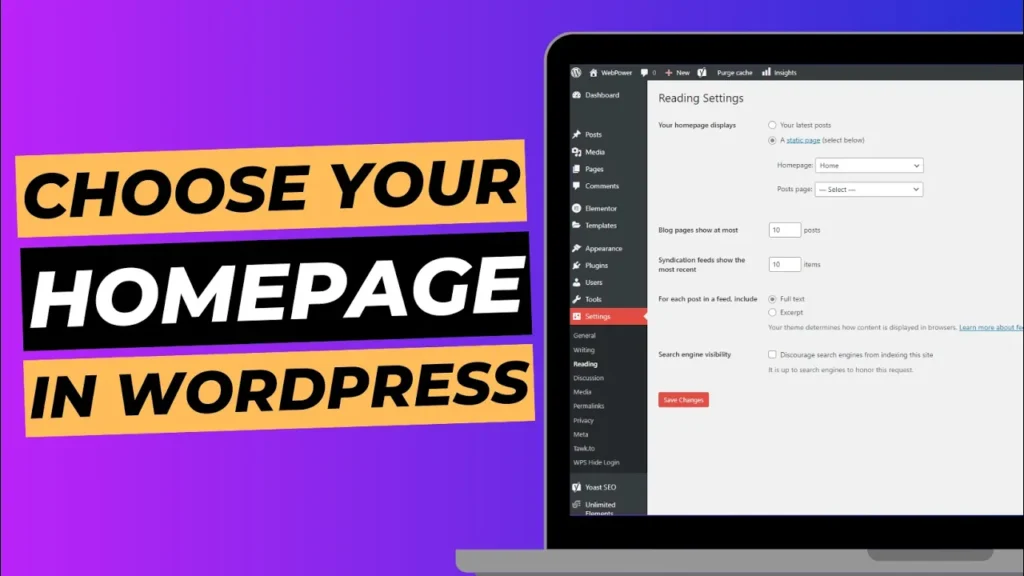
Your homepage is the first thing visitors see when they land on your website, so it’s important to set it up correctly. Whether you want to use a custom page or a blog post as your homepage, WordPress makes it easy to manage your site’s front page through the dashboard. In this guide, we’ll walk […]