
How to Create Product Categories in WooCommerce

Creating well-structured product categories in WooCommerce is essential for improving user experience and helping customers navigate your online store more efficiently. Categories make it easier to organise products and allow customers to browse related items seamlessly, increasing the chances of them finding and purchasing products. In this guide, we’ll walk you through the process of […]
How to Add a Product in WooCommerce
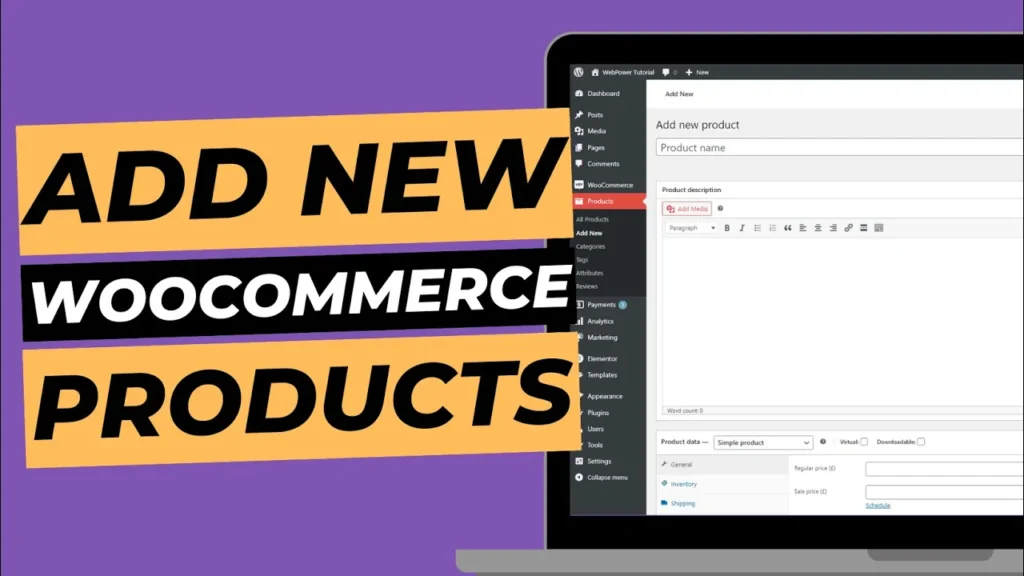
WooCommerce is a highly flexible and customisable eCommerce plugin for WordPress, making it easy to set up and manage your online store. Whether you’re selling physical products, digital downloads, or services, WooCommerce allows you to add products and manage them effectively. In this guide, we’ll walk you through how to add a product in WooCommerce […]
How To Reset Your WordPress Website
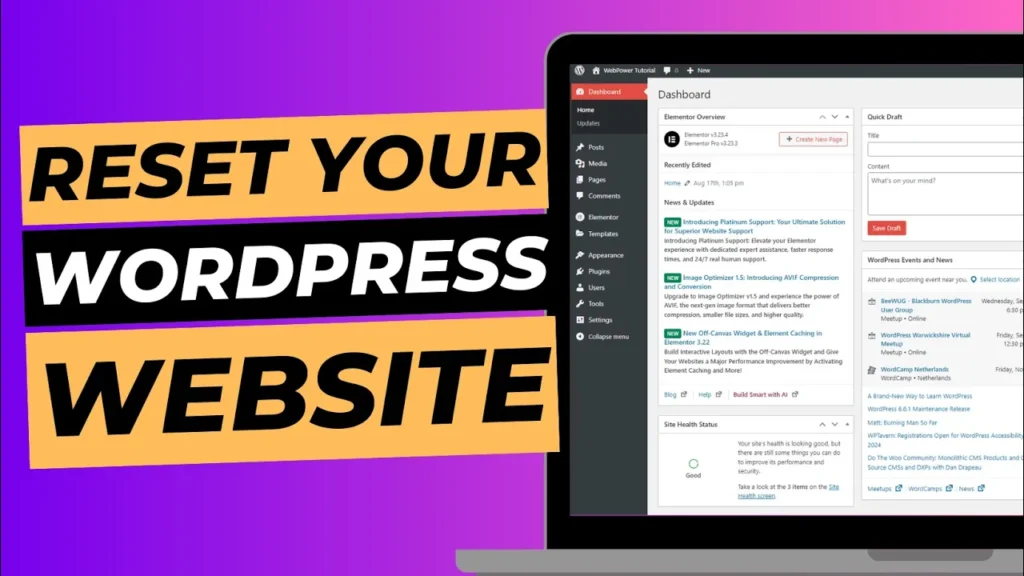
Resetting your WordPress website can be a valuable tool for various situations. Whether you’re starting from scratch, testing new themes and plugins, or just tidying up your site, a reset allows you to clear out all content, settings, and configurations and begin anew. In this guide, we’ll walk you through how to reset your WordPress […]
How to Set a Featured Image for a Post or Page in WordPress
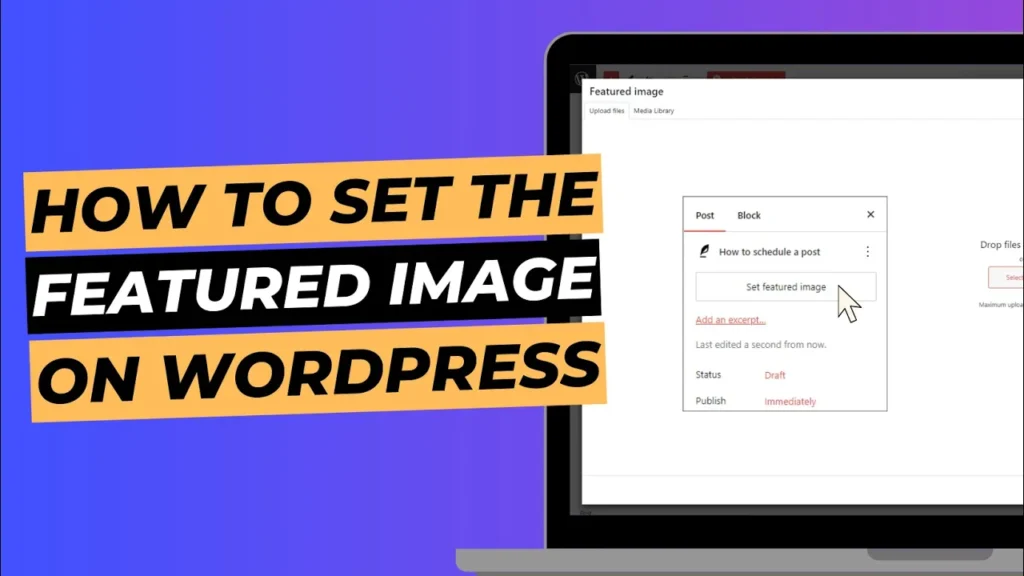
Setting a featured image for your posts and pages in WordPress is a crucial step in enhancing the visual appeal and functionality of your website. Featured images serve as the main visual representation of your content, appearing prominently on your blog, in social media shares, and in various other locations across your site. In this […]
How To Schedule a Post To Go Live In WordPress
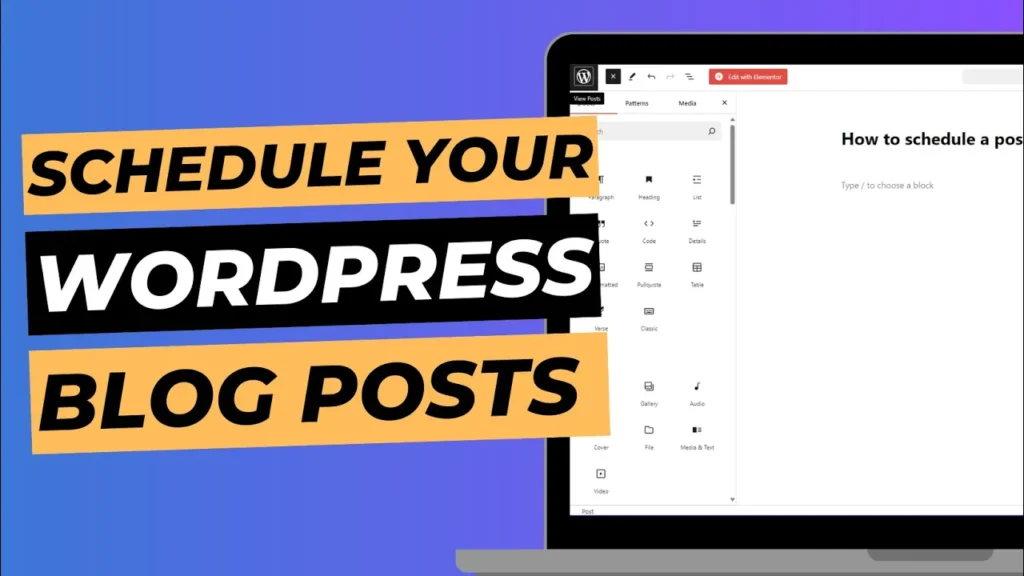
One of the most useful features WordPress offers is the ability to schedule blog posts to go live at a specific date and time. Whether you’re managing a blog or running a website with frequent content updates, scheduling posts can save you time and help you maintain consistency. In this guide, we’ll walk you through […]
How to Change Site Title and Tagline in WordPress
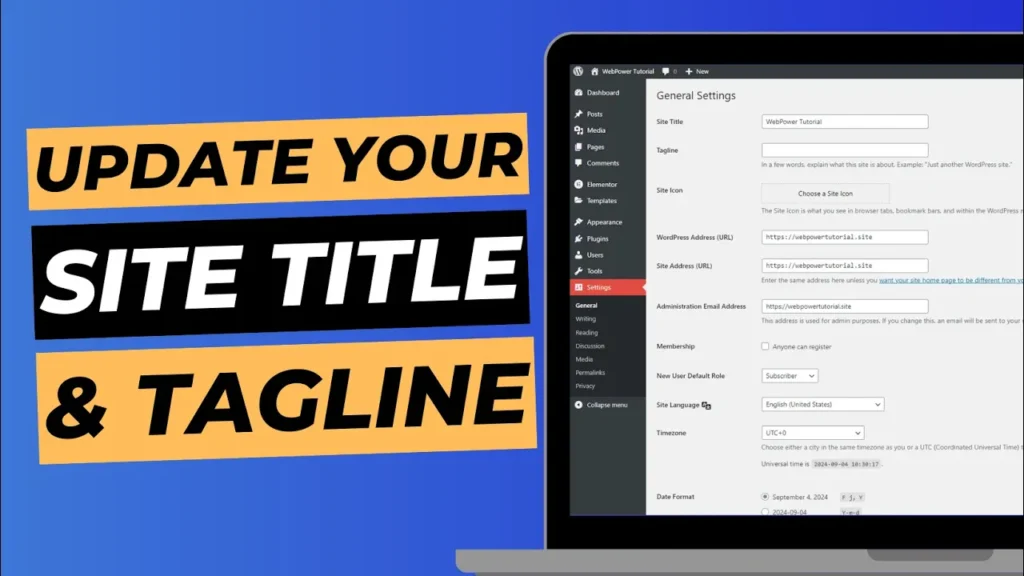
Your site title and tagline are crucial elements of your WordPress website. They define the identity of your site and are often the first things visitors and search engines notice. The site title appears in your browser tab, search engine results, and WordPress header, while the tagline provides a brief description of your site’s purpose […]
How to Create a New Blog Post in WordPress
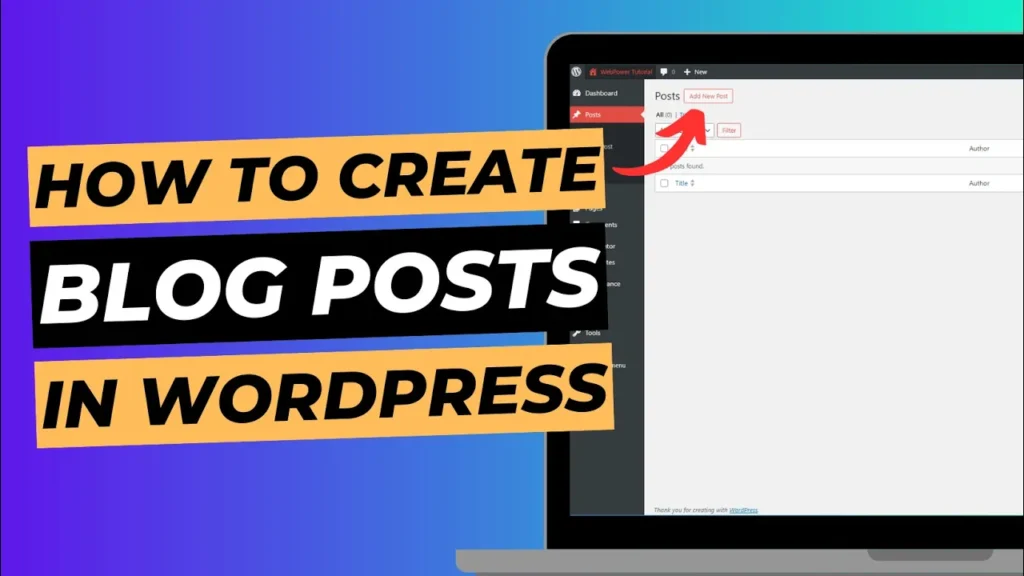
WordPress is one of the most user-friendly content management systems (CMS) for bloggers and website owners. Whether you’re writing your first post or publishing your hundredth, WordPress makes it easy to create, format, and manage blog posts. In this guide, we’ll walk you through how to create a new blog post in WordPress, step-by-step. Step […]
How to Install and Activate Elementor Pro In WordPress
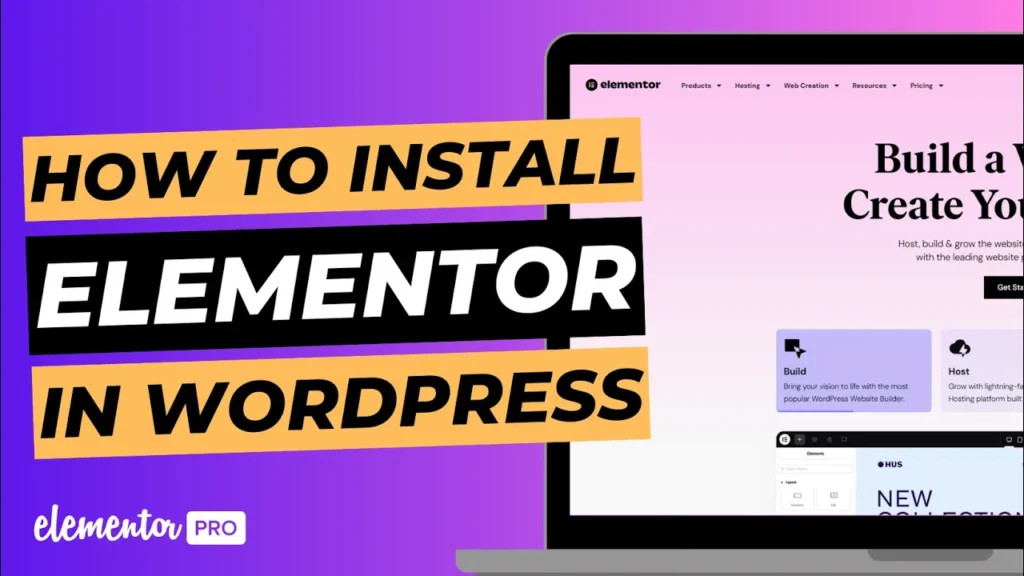
Elementor Pro is an upgraded version of the popular Elementor page builder plugin, offering advanced features like a theme builder, popup builder, and additional widgets. It’s the go-to tool for creating custom, professional websites with ease. In this guide, we’ll show you how to install and activate Elementor Pro in WordPress by downloading it from […]
How To Install and Activate Elementor In 1 Minute
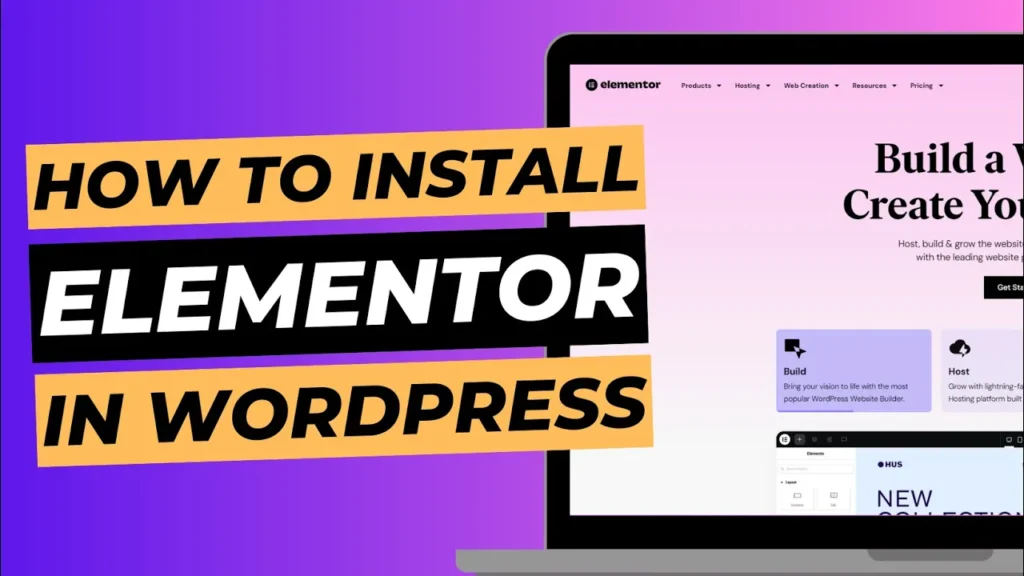
Elementor is one of the most popular and powerful WordPress page builders, offering a drag-and-drop interface to create beautiful, professional-looking websites without writing a single line of code. Whether you’re a beginner or a seasoned WordPress user, Elementor makes designing web pages a breeze. In this quick guide, we’ll show you how to install and […]
How To Clear WordPress Cache In 1 Minute
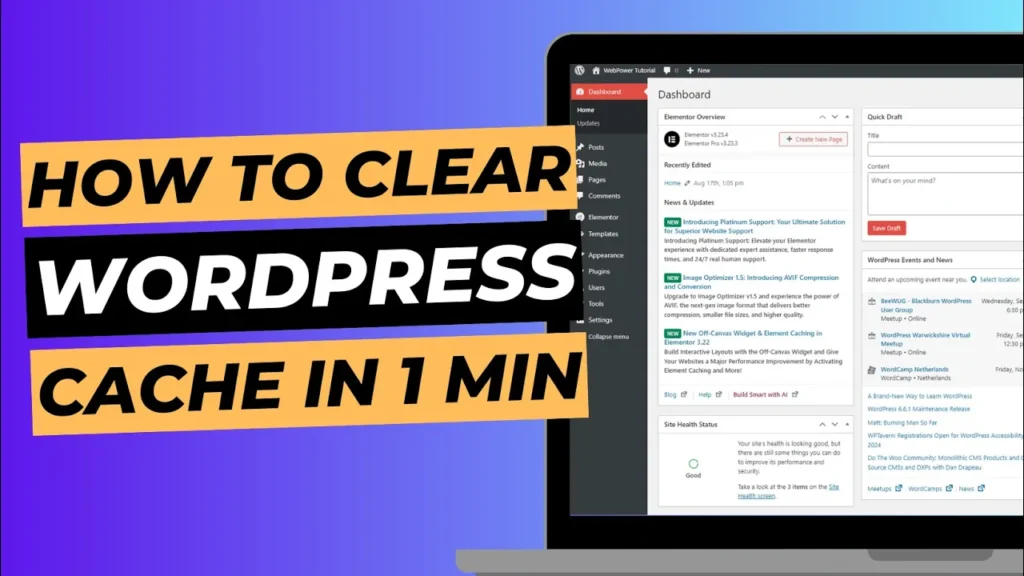
Keeping your WordPress website fast and efficient is crucial for delivering a great user experience. One of the easiest ways to improve your website’s performance is by clearing the cache. Caching stores temporary data on your website, allowing it to load faster. However, outdated cache files can sometimes cause problems such as not showing recent […]