
How To Restore Your Entire cPanel in 1 Minute Using Jet5 Backup
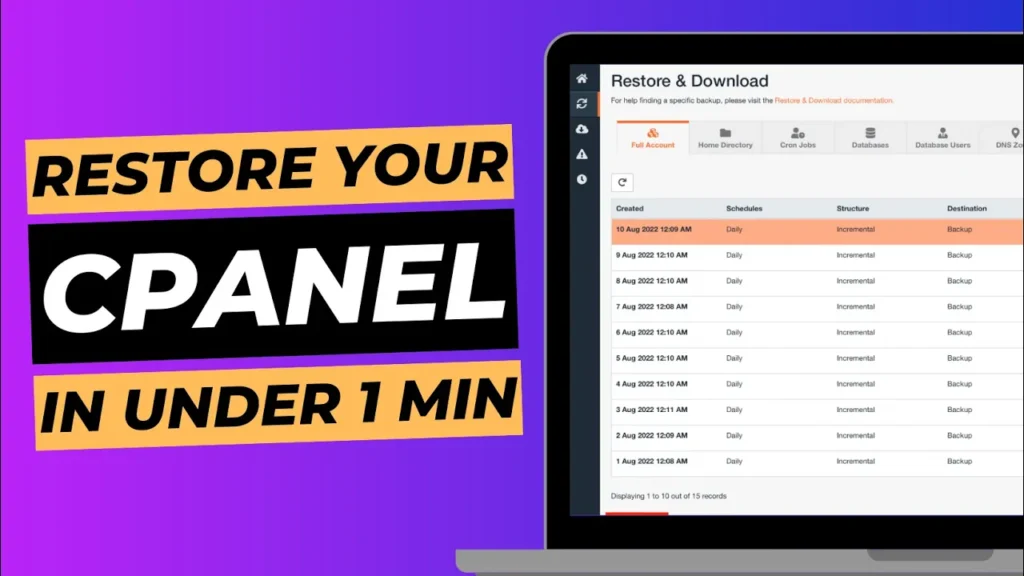
Maintaining backups of your cPanel account is crucial for ensuring the safety and integrity of your website’s data. In the event of a data loss or site issue, having a reliable backup can be a lifesaver. With Jet5 Backup, restoring your entire cPanel account can be done quickly and efficiently. In this guide, we’ll show […]
4 Easy Ways to Access Your Webmail Email Account
Managing your email efficiently is crucial for staying connected and organised. At WebPower, we provide several convenient methods for accessing your webmail email account. Whether you’re on the go or working from your desktop, these methods ensure that you can access your email quickly and easily. In this guide, we’ll walk you through four straightforward […]
How To Automatically Update Your WordPress Theme, Plugins & Version
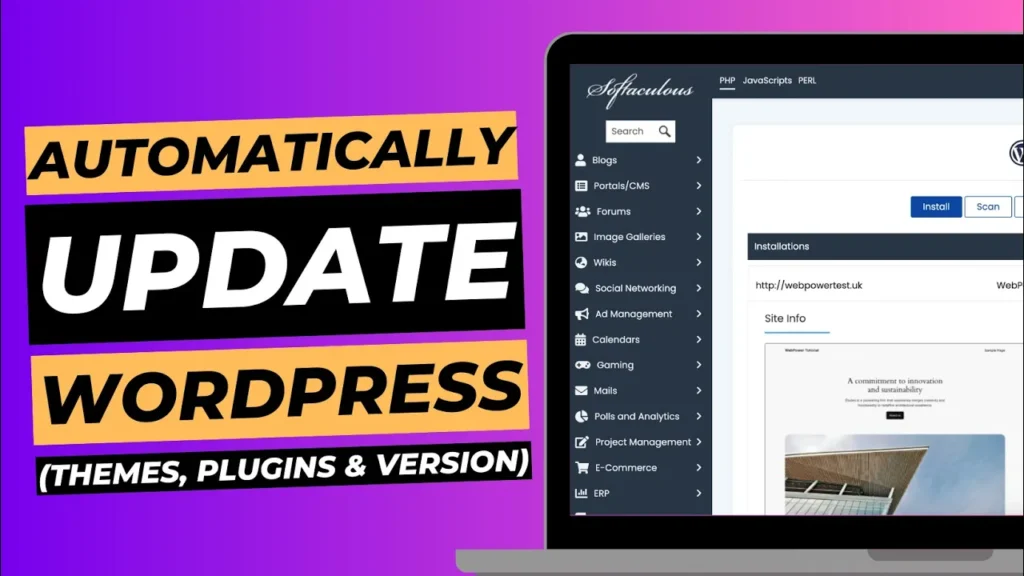
Keeping your WordPress site up to date is essential for security, performance, and compatibility. Regular updates ensure that your site runs smoothly and is protected against potential vulnerabilities. However, manually updating your WordPress theme, plugins, and core version can be time-consuming. Fortunately, you can automate this process using the Softaculous app, making it easier to […]
How to Change the Site Icon on Your WordPress Website
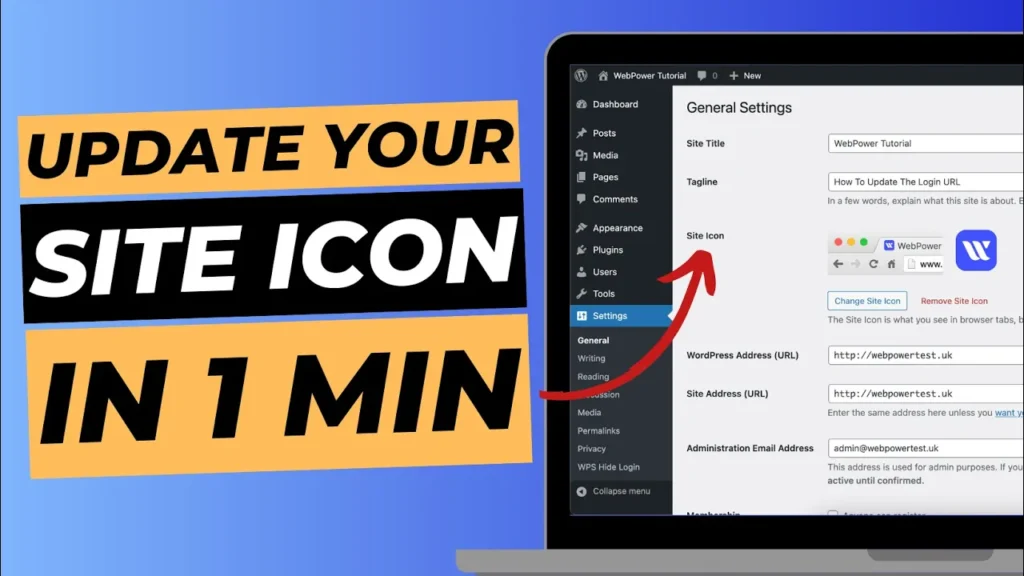
Your site icon, also known as a favicon, is a small but significant element of your website’s branding. It’s the tiny image that appears next to your website’s name in browser tabs, bookmark lists, and mobile home screens. Updating this icon can help reinforce your brand identity and make your site more recognisable to visitors. […]
How To Change Your WordPress Login URL

Securing your WordPress website is crucial, and one effective way to enhance security is by changing your login URL. By default, every WordPress site uses /wp-admin or /wp-login.php as the login URL. This makes it easier for hackers to target your site with brute-force attacks. Fortunately, you can easily change your WordPress login URL using […]
SSL Not Working on WordPress? Secure Your Website in 1 Minute

If you’ve set up your WordPress website and noticed that your SSL isn’t working as expected, don’t panic! There’s a simple fix that can get your site secure in just one minute. In this quick guide, we’ll show you how to resolve the issue by manually updating your site’s URL from HTTP to HTTPS. This […]
How To Set Up Your WordPress Dashboard on a New Website
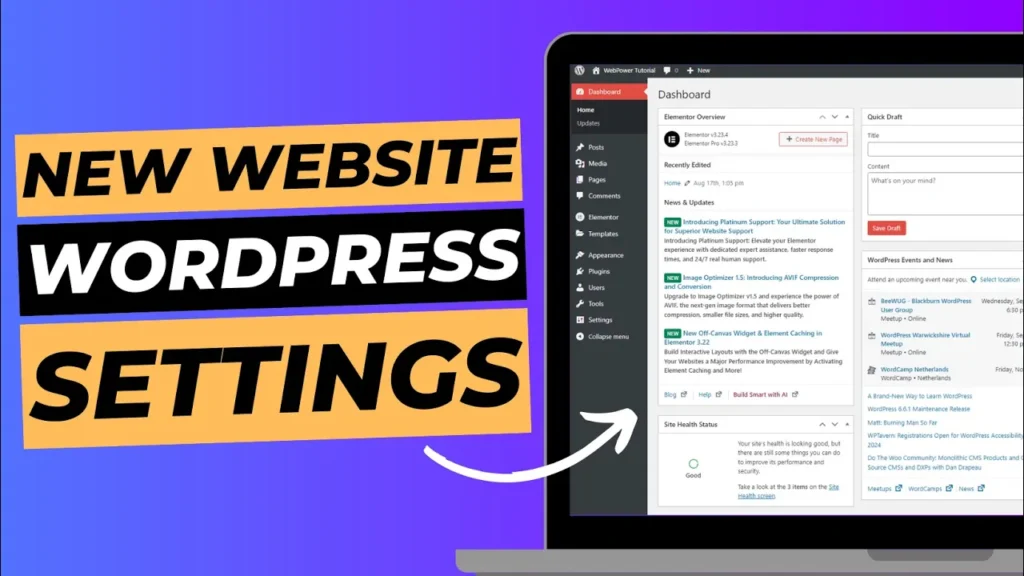
The WordPress dashboard is your control centre, where you’ll manage your site’s content, appearance, and functionality. In this guide, we’ll walk you through the essential steps to set up your WordPress dashboard properly, ensuring your website is ready for content creation and customisation. What You’ll Learn: Let’s get started! Step 1: Installing WordPress Using Softaculous […]
How to Install an SSL Certificate on Your WordPress Website
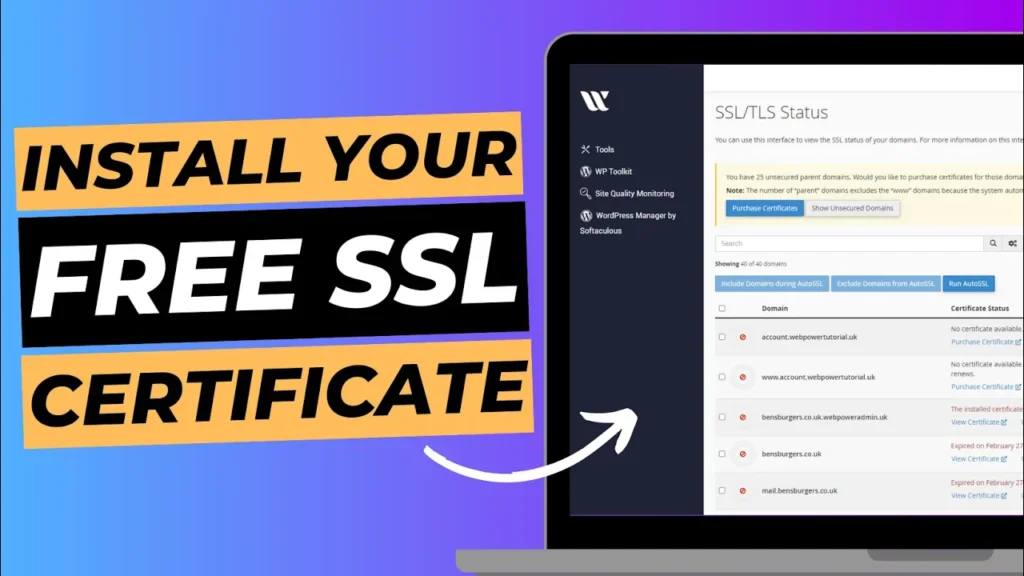
Securing your WordPress website with an SSL certificate is crucial for protecting your data and ensuring trust with your visitors. An SSL (Secure Sockets Layer) certificate encrypts the data transmitted between your website and your users, safeguarding sensitive information like login credentials, payment details, and personal data. Additionally, having an SSL certificate is a significant […]
How To Buy Hosting To Setup Your WordPress Website In 1 Minute

Setting up a WordPress website is the first step toward building an online presence. But before you can install WordPress and start creating your site, you need to purchase a reliable hosting plan. At WebPower, we’ve made the process quick and simple, allowing you to purchase hosting and get your WordPress website up and running […]
How To Buy Hosting To Setup Your WordPress Website In 1 Minute
Setting up a WordPress website is the first step toward building an online presence. But before you can install WordPress and start creating your site, you need to purchase a reliable hosting plan. At WebPower, we’ve made the process quick and simple, allowing you to purchase hosting and get your WordPress website up and running […]