
How to Change a WordPress Theme in Under 2 Mins
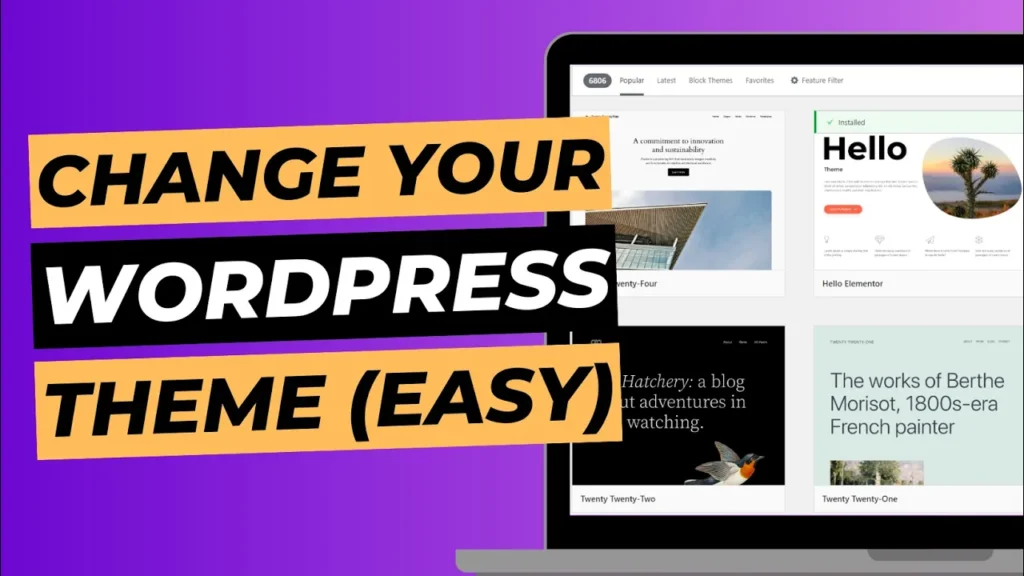
Changing the look and feel of your WordPress website is as simple as changing your theme. With WordPress, you have access to thousands of free and premium themes, allowing you to give your site a new design without any coding experience. Whether you want a fresh look or need a more functional layout, changing a […]
How To Create A Menu In WordPress In 2 Mins
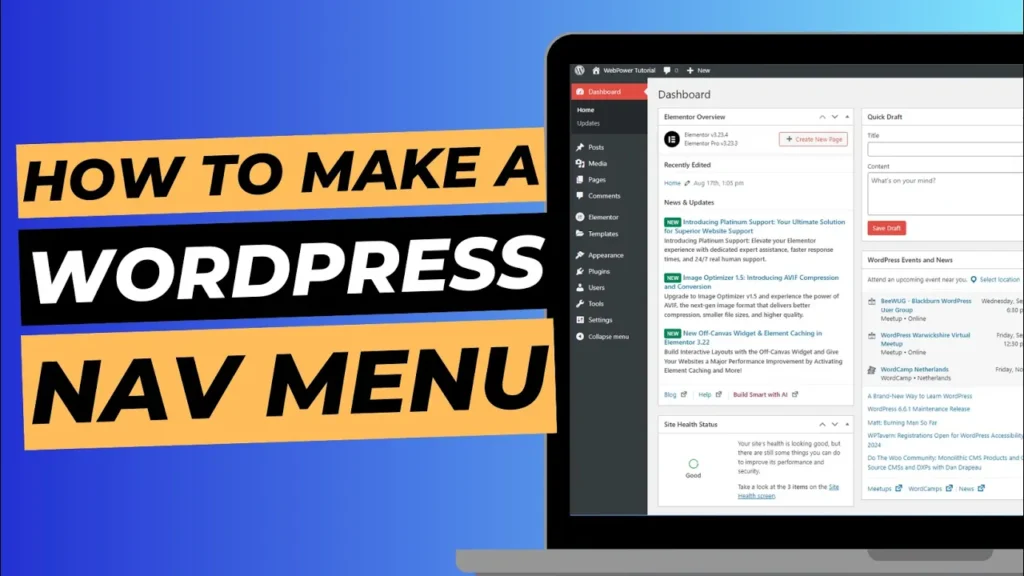
A well-structured menu is essential for your website’s user experience. It helps visitors navigate your site easily and find important pages. WordPress makes it simple to create and customise menus, allowing you to guide your users to the most relevant sections of your site. In this guide, we’ll show you how to create a menu […]
How To Find The Login Page To Your WordPress Website
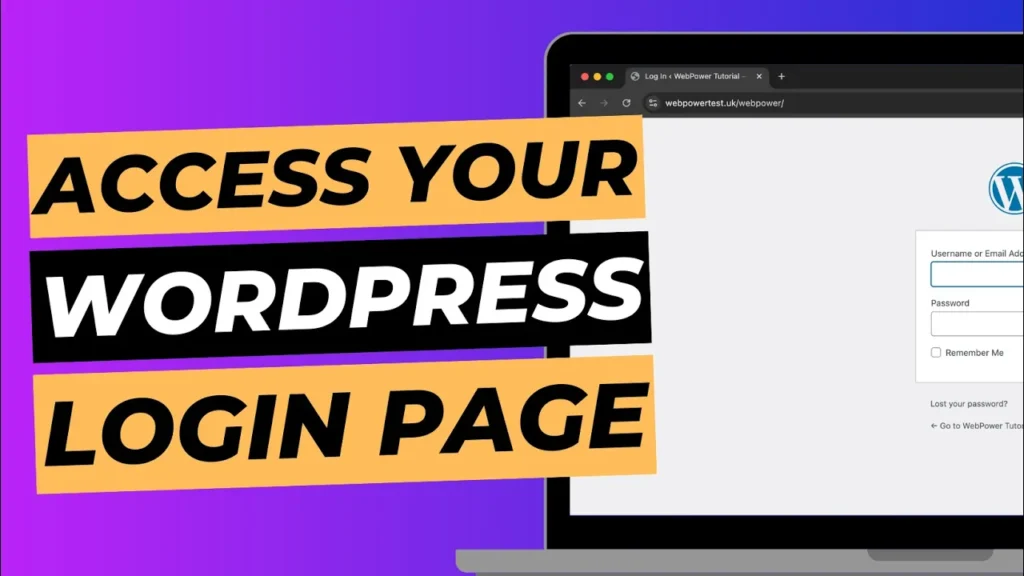
If you’re new to WordPress or managing your website for the first time, one of the most important things to know is how to access the login page. Without logging in, you can’t make updates, add new content, or manage your website. Luckily, there are two easy ways to find the login page for your […]
How To Set Your Homepage In Your WordPress Dashboard
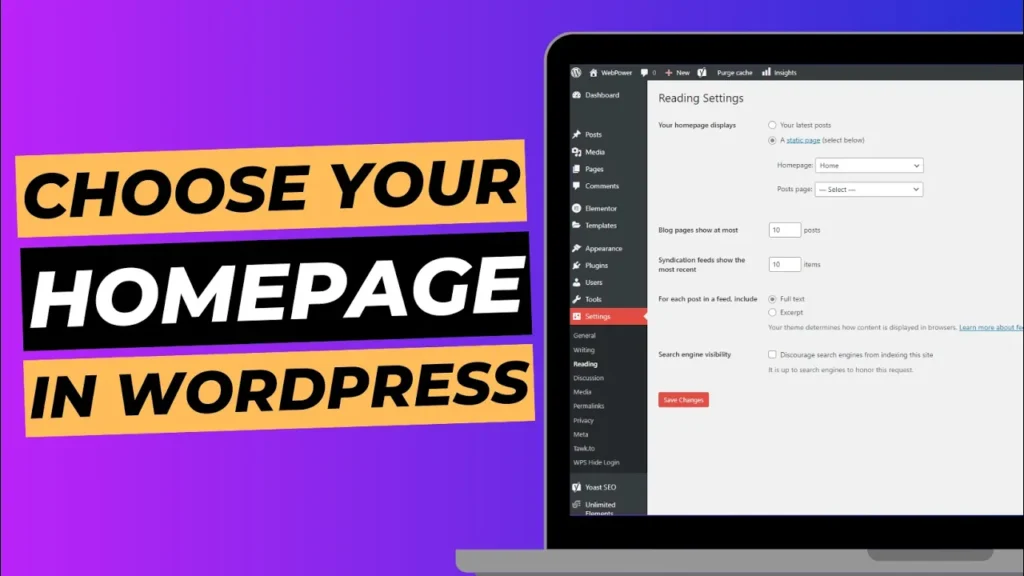
Your homepage is the first thing visitors see when they land on your website, so it’s important to set it up correctly. Whether you want to use a custom page or a blog post as your homepage, WordPress makes it easy to manage your site’s front page through the dashboard. In this guide, we’ll walk […]
How To Automatically Update Your WordPress Theme, Plugins & Version
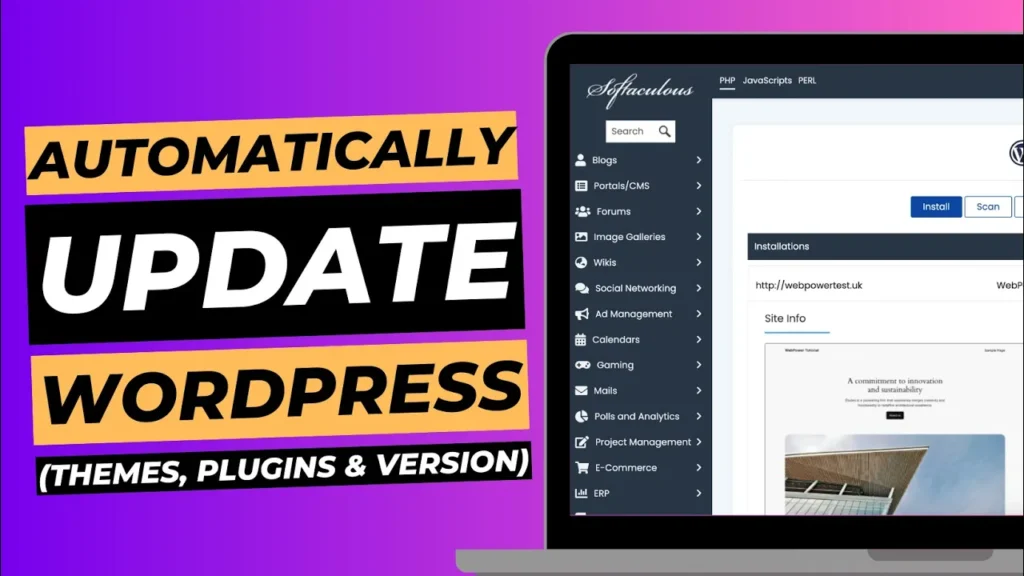
Keeping your WordPress site up to date is essential for security, performance, and compatibility. Regular updates ensure that your site runs smoothly and is protected against potential vulnerabilities. However, manually updating your WordPress theme, plugins, and core version can be time-consuming. Fortunately, you can automate this process using the Softaculous app, making it easier to […]
How to Change the Site Icon on Your WordPress Website
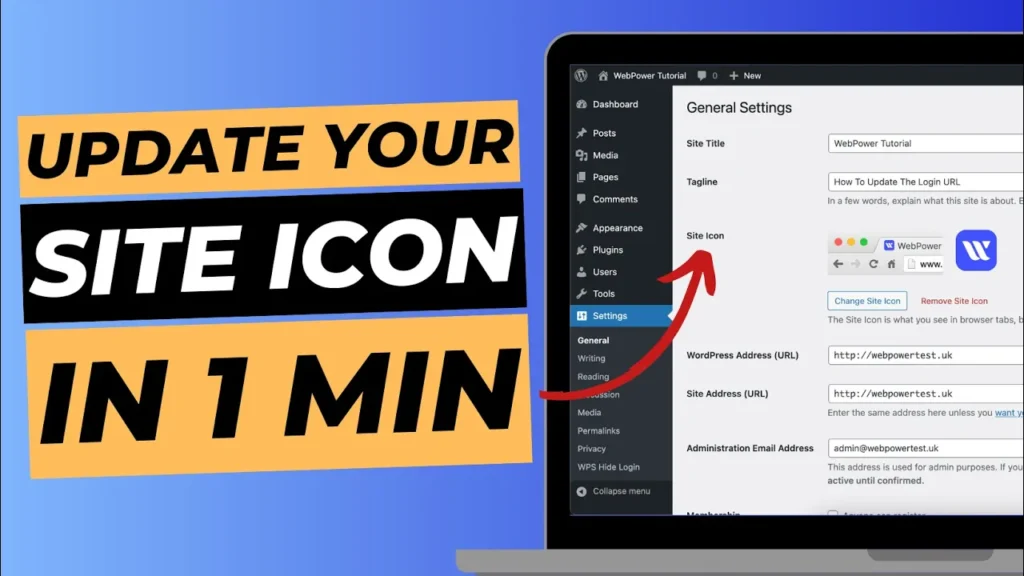
Your site icon, also known as a favicon, is a small but significant element of your website’s branding. It’s the tiny image that appears next to your website’s name in browser tabs, bookmark lists, and mobile home screens. Updating this icon can help reinforce your brand identity and make your site more recognisable to visitors. […]
How To Change Your WordPress Login URL
Securing your WordPress website is crucial, and one effective way to enhance security is by changing your login URL. By default, every WordPress site uses /wp-admin or /wp-login.php as the login URL. This makes it easier for hackers to target your site with brute-force attacks. Fortunately, you can easily change your WordPress login URL using […]
SSL Not Working on WordPress? Secure Your Website in 1 Minute
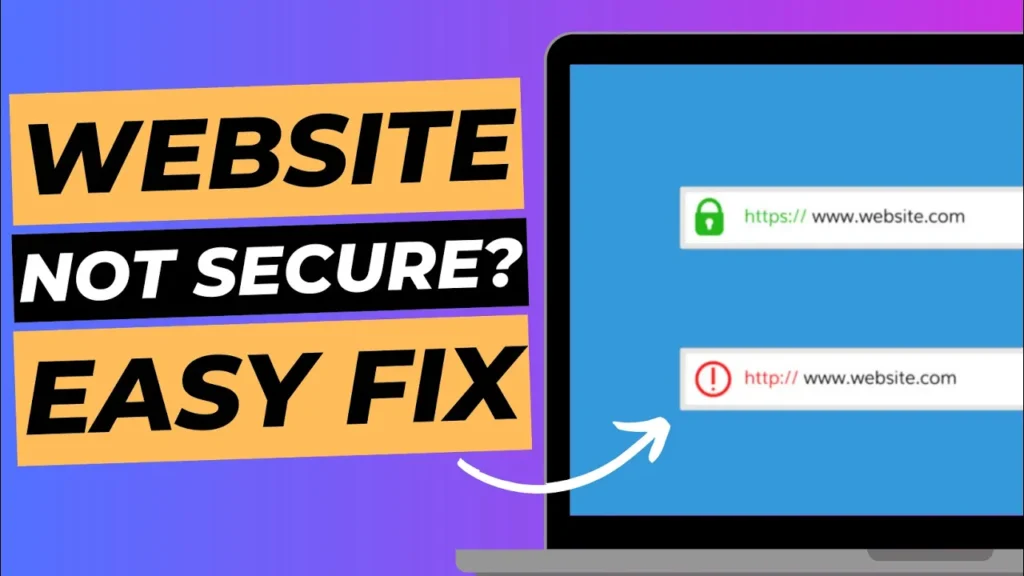
If you’ve set up your WordPress website and noticed that your SSL isn’t working as expected, don’t panic! There’s a simple fix that can get your site secure in just one minute. In this quick guide, we’ll show you how to resolve the issue by manually updating your site’s URL from HTTP to HTTPS. This […]
How To Set Up Your WordPress Dashboard on a New Website
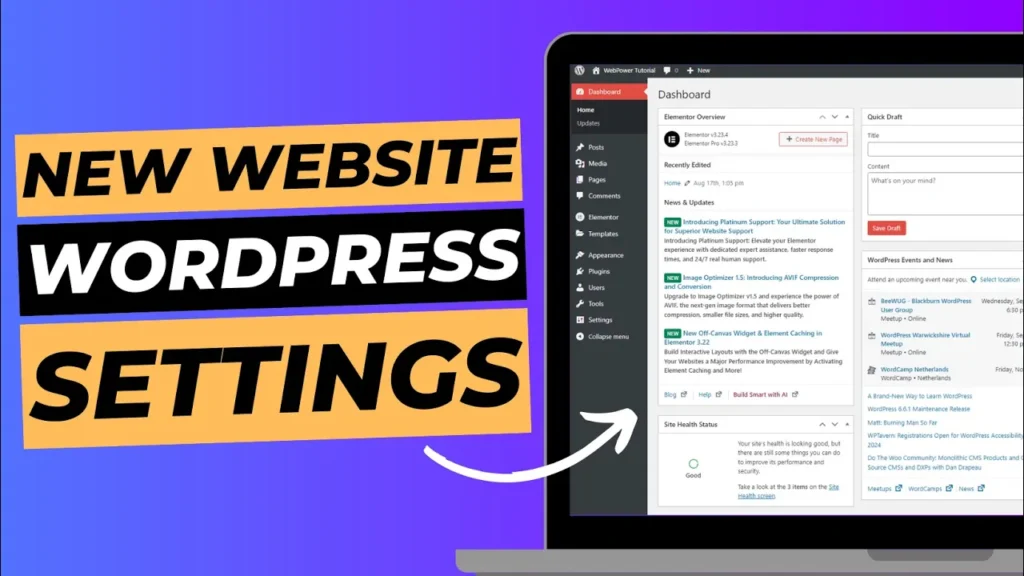
The WordPress dashboard is your control centre, where you’ll manage your site’s content, appearance, and functionality. In this guide, we’ll walk you through the essential steps to set up your WordPress dashboard properly, ensuring your website is ready for content creation and customisation. What You’ll Learn: Let’s get started! Step 1: Installing WordPress Using Softaculous […]
How To Buy Hosting To Setup Your WordPress Website In 1 Minute
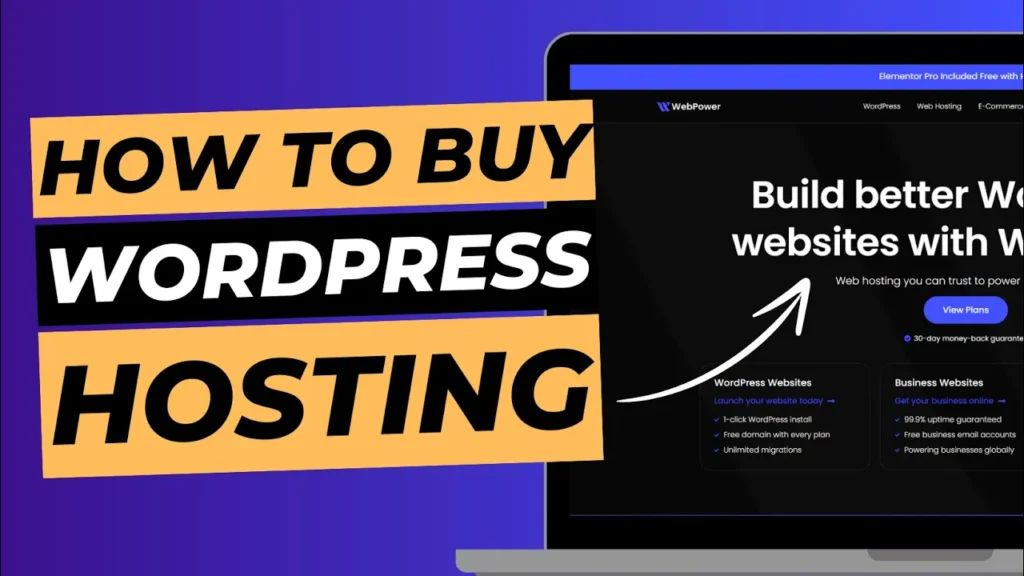
Setting up a WordPress website is the first step toward building an online presence. But before you can install WordPress and start creating your site, you need to purchase a reliable hosting plan. At WebPower, we’ve made the process quick and simple, allowing you to purchase hosting and get your WordPress website up and running […]